M4A to WAV
Converter
Convert M4A audio files to WAV format directly in your browser. No uploads, no registration, and no quality loss during conversion.
Upload M4A file
Drag and drop your .m4a file here, or click to browse your device.
How It Works
Convert your Apple M4A audio clips to standard WAVE files in four easy steps without uploading a single byte to the internet.
Select M4A File
Drag your file into the converter box or select it using your file browser. Max size up to 500 MB.
Review Info
Our analyzer detects details like AAC or ALAC compression types, sample rates, channels, and estimates WAV output size.
Tweak Settings
Choose auto settings to match the original layout, or choose specific bit depths, sample rates, and mono/stereo channels.
Convert & Save
We compile and transcode the audio entirely inside your browser sandbox. Save the output WAV locally in a flash.
What is an M4A file?
M4A (.m4a) is an audio-only file extension of the MPEG-4 container format. Developed by Apple, it is the standard format for iTunes store downloads, Apple Music streaming, and iPhone Voice Memos.
M4A files typically use AAC (Advanced Audio Coding) lossy compression to significantly reduce file size while maintaining decent clarity. However, they can also contain audio compressed with ALAC (Apple Lossless Audio Codec), which retains full studio-fidelity.
What is a WAV file?
WAV (.wav) stands for Waveform Audio File Format. Created by Microsoft and IBM, it is the standard uncompressed audio format for Windows and PC systems.
WAV files store audio data as raw PCM (Pulse Code Modulation) waveforms, preserving every single sound sample without applying lossy compression algorithms. Because of this, WAV files are the choice of audio professionals, sound designers, and DAWs, though they take up 5x to 10x more space than compressed alternatives.
Why Convert M4A files to WAV format?
M4A files are standard audio containers used by Apple devices (e.g. iPhone Voice Memos and iTunes downloads). They are highly compressed to save space, typically using AAC lossy encoding. Converting them to WAV format is highly beneficial when editing audio or using older media players.
- No Editing Lag: WAV files contain uncompressed PCM data, making them fast to parse in DAWs like Pro Tools, Audacity, or Premiere.
- Format Compatibility: Older hardware recorders, DJ systems, and legacy software often only accept WAV inputs.
- Lossless Preservation: Transcoding a lossless M4A (ALAC) to WAV keeps every single sample intact without any audio degradation.
The Benefits of WAVE (.wav) Format
Uncompressed Quality
Unlike AAC, standard WAV stores original audio waveforms directly in PCM format. This keeps the dynamic range perfectly clean and preserves transient sounds.
High-Bitrate Support
Support for 24-bit studio quality and 32-bit floating point audio ranges. Ideal for master recordings, professional mixing, and post-production.
No Generation Loss
Re-compressing compressed audio repeatedly destroys quality. Re-saving your edits in WAV format prevents multiple lossy compression cycles.
Universal Player Standard
Recognized by every video editor, web browser, hardware media console, and operating system natively. Needs no special decoders.
100% Client-Side Conversion.
Your files never leave your device.
Typical online converters require uploading your private audio to their cloud servers, posing significant data security, copyright, and privacy risks.
M4AtoWAV.com is built differently. We load a lightweight WebAssembly compiler directly into your web browser. This sandboxed tool parses, extracts, and compiles the audio streams locally inside your browser memory.
✓ No Servers
Files never leave your local system.
✓ No Tracking
We don't collect or log audio content.
✓ No Registration
No email needed. Convert instantly.
✓ 100% Free
No limits, paywalls, or hidden costs.
Engineered for Precision and Privacy
By running completely local code compiles, we bypass server transfers to deliver instant, secure audio processing directly in your browser.
WebAssembly processing.
Zero upload bandwidth.
Rather than sending large media files across networks, this site initializes a local FFmpeg compiler directly inside your device memory using WebAssembly (Wasm) technology. This means conversions happen locally, bypassing cloud uploads and processing bottlenecks.
- Convert files up to 500 MB instantly.
- Operates offline once the website page compiles.
- Zero network data consumption for file conversions.

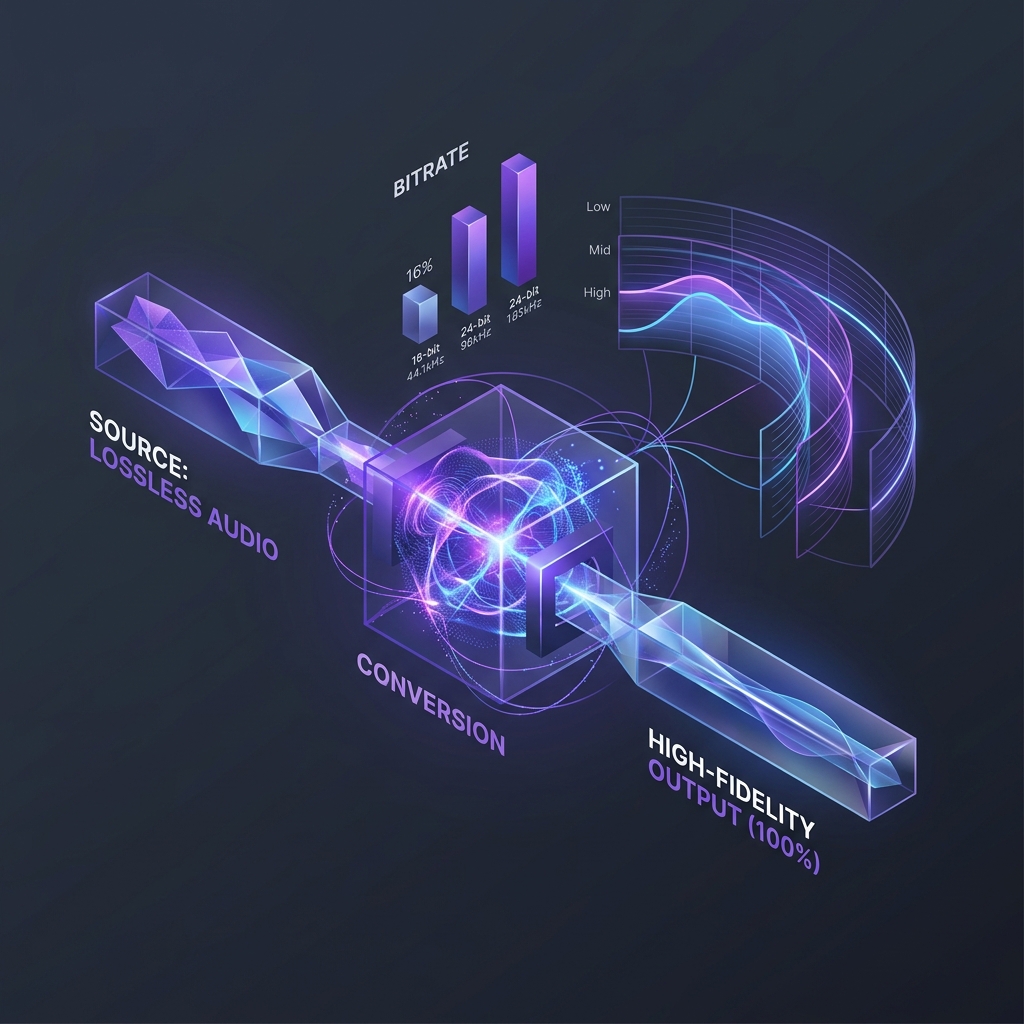
Lossless audio precision.
Retain every soundwave.
Whether your M4A contains Apple Lossless (ALAC) recordings or standard AAC streams, our conversion preserves the original audio parameters. By copying directly to uncompressed WAV PCM arrays, no additional sound degradation is introduced.
- Preserves 16-bit, 24-bit, and 32-bit floating point depths.
- Matches source sample rates up to 96 kHz natively.
- CD-quality sound output without lossy codec recycles.
Frequently Asked Questions
Everything you need to know about browser-local audio transcoding and file confidentiality.
An M4A (.m4a) file is an MPEG-4 audio container most commonly used by Apple. It typically encodes audio using the lossy AAC (Advanced Audio Coding) format or the lossless ALAC (Apple Lossless Audio Codec) format. Voice Memos recorded on iPhones are saved in M4A format.
Yes, you can easily convert M4A to WAV. WAV is an uncompressed container, which makes it perfect for audio editing, playback on legacy systems, or preserving high-resolution masters.
No. Converting a lossy AAC M4A to WAV prevents additional quality degradation, but it cannot restore or recover audio details that were already lost during the initial lossy AAC recording. If your original file is encoded in lossless ALAC, converting to WAV will maintain the same perfect, lossless fidelity.
Yes, this tool is 100% free with no hidden charges, trial periods, or file quantity limits. You can process as many M4A files as you need.
No. Unlike other audio converter tools, this converter runs entirely inside your browser sandbox using WebAssembly technology. Your files never touch any servers and remain securely on your local device.
Yes. iPhone Voice Memos are standard M4A files. You can copy them to your computer or upload them directly from your mobile browser on this page to transcode them into standard WAV files.
Yes, our smart analyzer automatically identifies if your M4A contains ALAC (lossless) or AAC (lossy) compression. Converting ALAC to WAV maintains its full studio lossless quality.
M4A files compress audio data to reduce space. WAV is a raw, uncompressed PCM format that stores actual sound wave values without packing. As a result, WAV files are typically 5x to 10x larger than compressed M4A files.
Yes. This tool works across Windows, macOS, Linux, and mobile browsers on iOS (iPhone/iPad) and Android devices.
While there are no software limits on this tool, web browsers restrict tab memory. We recommend a maximum file size of 500 MB to avoid browser tab crashes during compilation.
Related Local Audio Converters
Need to convert other audio or video formats? We are building a suite of secure, client-side encoders. Keep your media private on every step.
Extract uncompressed WAV audio from MP4 video clips locally.
Decompress MP3 files to full CD-quality WAV format.
Convert raw AAC audio streams to high-fidelity WAV.
Convert lossless FLAC files to standard WAV container.
Convert Ogg Vorbis files to PCM WAV audio stream.
Compress large WAV audio files into high-bitrate MP3 files.
Encode WAV audio to optimized AAC M4A files for iOS.
Batch convert any audio file format in your browser.